
Getting started
How to start a police shift
Check for a vacancy at the Police Station and see what the game issues when you enlist.
Sources checked
Start a shift in Looty Bay
- Visit the Police Station. The game checks for an open police slot before it opens equipment selection. If the roster is full, check back later.
- Enlist when a slot opens. Receiving the duty loadout and patrol vehicle confirms that the shift has started.
How equipment and pay change
| Situation | What changes |
|---|---|
| Ordinary shift | Standard gear and a patrol vehicle are issued. Police work, including seizing contraband, earns pay. |
| Higher badge level | Better equipment becomes available. |
| Call for backup | Answering the call provides upgraded equipment and a temporary pay increase. |
Do you need to buy a car first?
You can take a police shift before buying personal transport. If your goal is to travel in another role, check the Parking Terminal rental conditions instead.
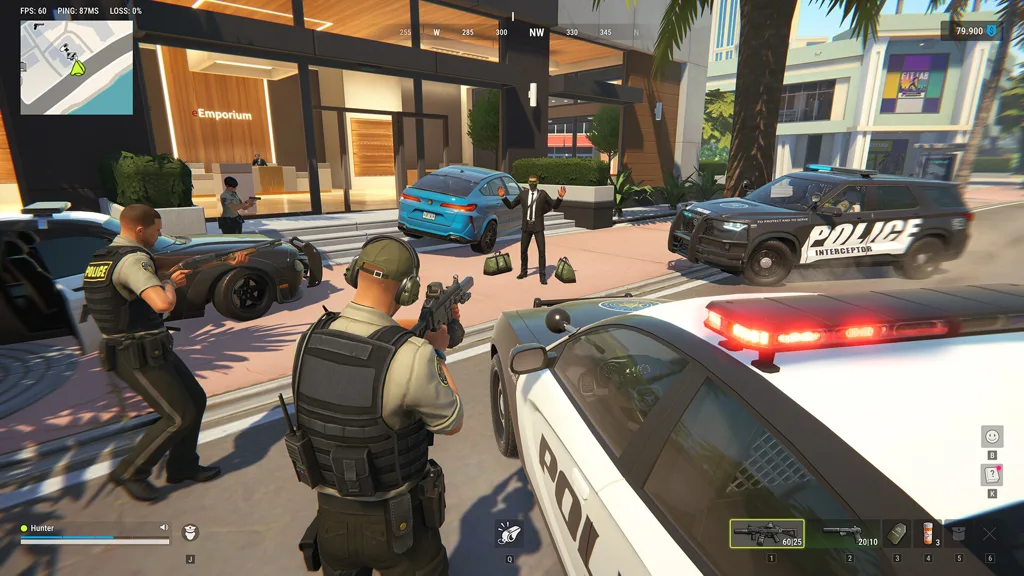
Sources & footage
Kefir’s help pages document game rules. Prices and item tables use dated community records. The review date marks a source check. Linked player recordings show the interface at the stated time.