
Servers & parties
How to change servers
Compare State IDs and check your belongings before moving through Prison.
Sources checked
Before you confirm
Have your friend read the full State ID from their map. Compare the region and number with yours. If they already match, use the party troubleshooting guide first.
The surrender dialog warns that possessions in the current State will be confiscated. Review your cash, equipment and base before you accept.
Move to the destination State
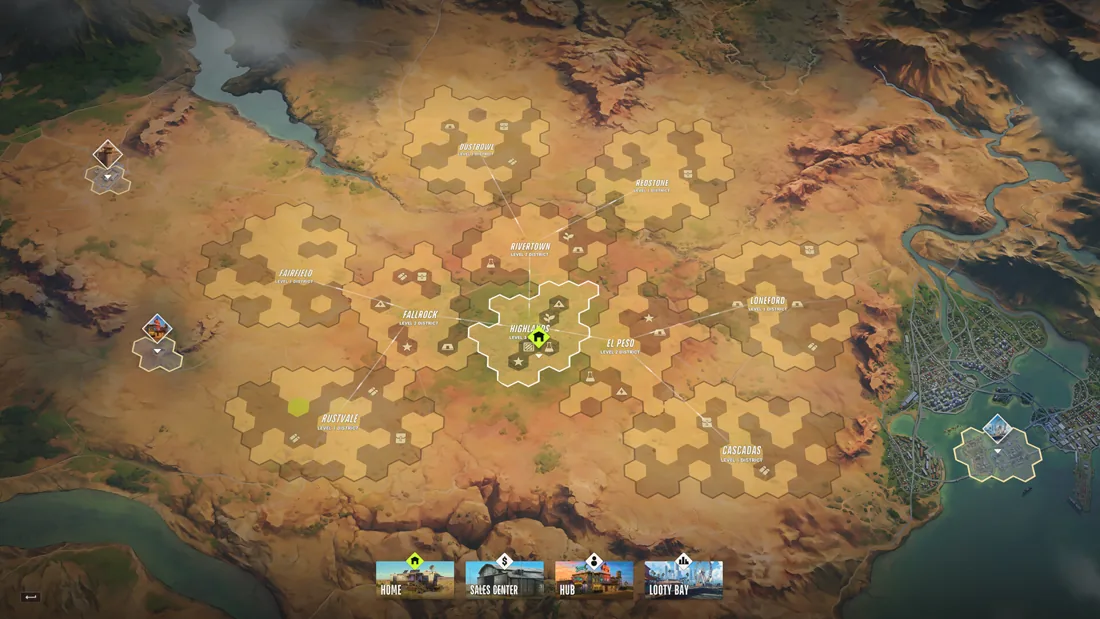
- On the global map, select Prison.
- Choose Surrender to Feds and read the confirmation in your current client. Continue only if you accept the loss it describes.
- In Prison, select your friend’s State. Match the full ID before joining.
- Once both players are in the same State, send a new party invitation.
Sources & footage
Kefir’s help pages document game rules. Prices and item tables use dated community records. The review date marks a source check. Linked player recordings show the interface at the stated time.